






Category: Education

Collaborative Goal Setting

Education is a demanding and complex occupation and educators can often be time poor so at the forefront of my mind when supporting a school is the importance of clarity and cohesion. These two keys elements in supporting empowering change are summed up nicely by one of my favourite Māori quotes, ‘He waka eke noa, We’re all in this together’

Share class videos with Microsoft Stream

Share class videos with Microsoft Stream

If your school uses Microsoft Office 365, you and your students will probably have access to Microsoft Stream. This video tool makes it very easy for teachers and students to securely share videos within classes and the wider school. In this blog post, I’ll show you how to use Microsoft Stream to share videos with your class.

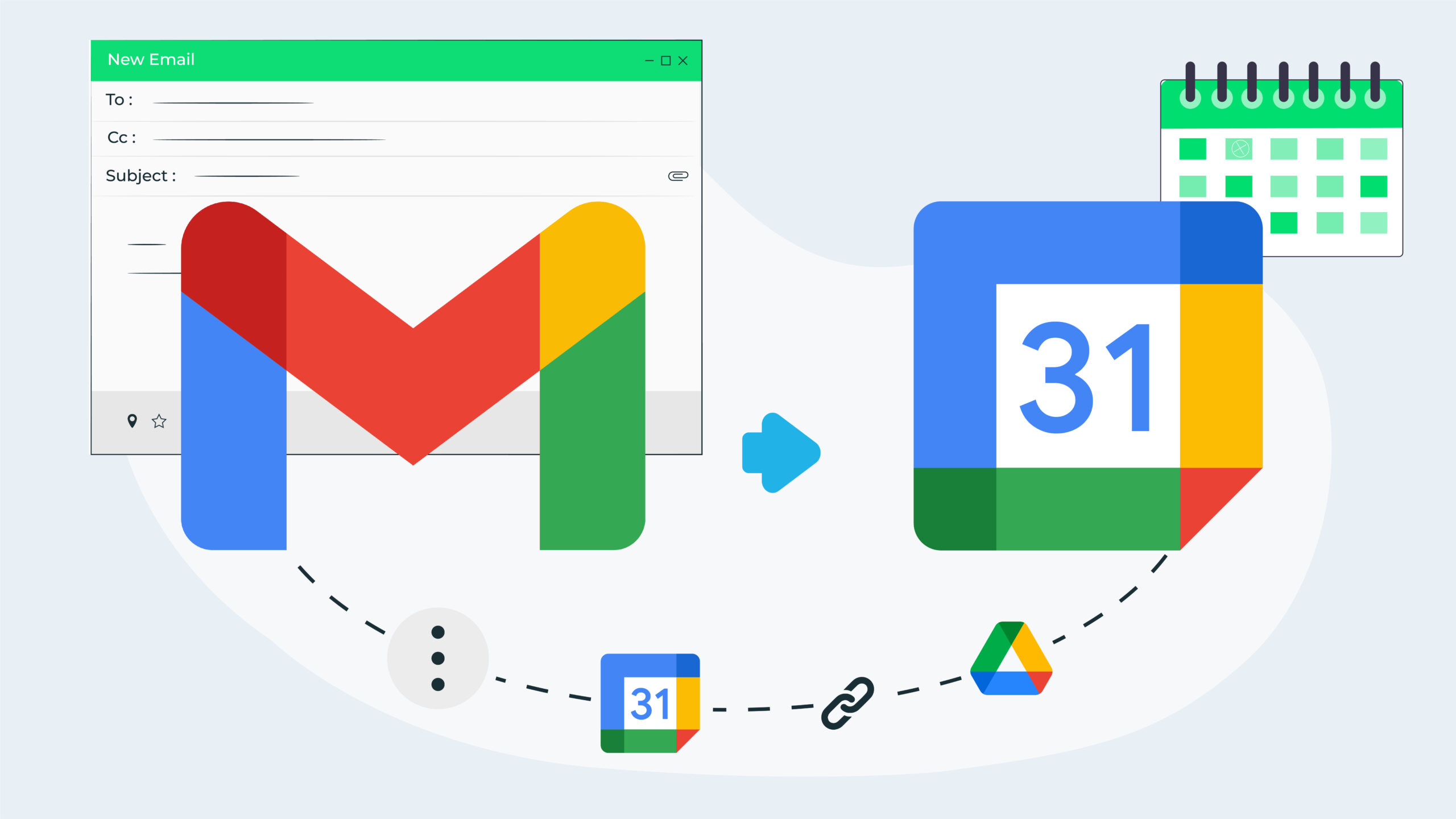
4 Ways to Turn a Gmail Email into a Google Calendar Event

It’s quite common for a calendar event or meeting to be triggered from an email discussion. As such, it can be helpful to have the information in the email as part of the calendar event. In this blog post, we’ll share four different ways you can add information from a Gmail email to a Google Calendar event.

Using Book Creator in the Chrome Browser

Book Creator is a favourite tool of mine for demonstrating how to create impactful, authentic digital outcomes eBooks in classrooms. Many teachers are familiar with the iPad app but haven’t seen all the great things you can do when you use Book Creator in a browser. Check out these features that you may not know about!

How to Reuse a Google Form

Have you got a great Google Form that you want to reuse to collect new data? Or has someone shared a form with you that you’d like to use for your own purposes? In this blog post, we’ll share several different options for reusing a Google Form and help you pick the best option for your situation.

How to Search for Google Drive Share Emails in Gmail

When someone shares a Google Drive file, they usually also choose the option to notify the recipient via email. Although the shared file is accessible from ‘Shared with me’ in Google Drive, I have had many people tell me that they prefer to refer back to the original notification email to access the file. This post will show you an easy way to quickly find these emails!

How to save a Gmail search

If you’ve mastered Gmail’s advanced search, you’ve probably found that you are frequently performing the same or similar searches. Because we love to help you be more efficient, in this post I’ll show you how you can save Gmail searches to speed up the process even more!

Pre-filled links in Google Forms – make sorting and filtering a breeze!

Google Forms are an awesome tool for gathering information from groups of people. One issue with Google Forms can be the way that users enter information – a slight difference in punctuation or spelling will mean that your ability to sort and filter the results in Google Sheets can be impacted. This blog will show you how to use a ‘Pre-filled link’ to stop this.

Encourage Students to use spare time purposefully

As learning becomes more self directed and students work collaboratively more often, we tend to have times when some have finished and some haven’t. Rather than letting those finished have ‘free time’ how about designing some form of a choice board with purposeful, engaging activities that develop 21st century Skills.
Here are four ideas you could include.

How to Change Unread Mail Settings in Microsoft Outlook

Have you ever clicked on an unread email in the Outlook inbox and then wondered why it suddenly becomes marked as ‘read’, even though you have not actually read it yet? Or perhaps you sometimes find it difficult to locate your unread emails amongst all the read ones because the two don’t look that different.

How to organise your folders in Microsoft Outlook

If you’ve been using the same email account in Outlook for a while, you’ve probably ended up with a long list of folders that can be cumbersome and time consuming to navigate. In this blog post, I’ll share three tips you can use to better organise your folders for greater efficiency.

How to use Diagrams in Google Drawing

Diagrams and visual representations of ideas are a powerful method of communication. However, setting up the shapes, space, text and other diagrammatic variables can often be time-consuming – but not any more. By using the Diagram feature in Google Drawing this has now become a simple process. Read on to find out how to do it.