







Getting Started with Apple iPads in Secondary School
With an increasing number of iPads being rolled out in high schools, we take a look at the tips and tricks for using iPads effectively in the classroom.
With an increasing number of iPads being rolled out in high schools, we take a look at the tips and tricks for using iPads effectively in the classroom.
In our current environment, the certainty of running our schools or businesses the same as always, maintaining efficiency and continuity when disruption occurs can become frustrating. The capacity to pivot key processes so that it is business, as usual, is important. Utilising Microsoft Teams can help this in schools and business.
Here are three areas where you can use familiar tools in G Suite (and a few other free online tools) to empower the students in your classes!

Many organisations use both G Suite and Office 365 which involves creating and deleting user accounts for each system independently. This is not only more work for the administrator but also confusing for users who have to manage separate passwords. Single Sign-on allows G Suite and Office 365 users to log in to both with the same account.
Here are three areas where you can use familiar tools in G Suite (and a few other free online tools) to empower the students in your classes!
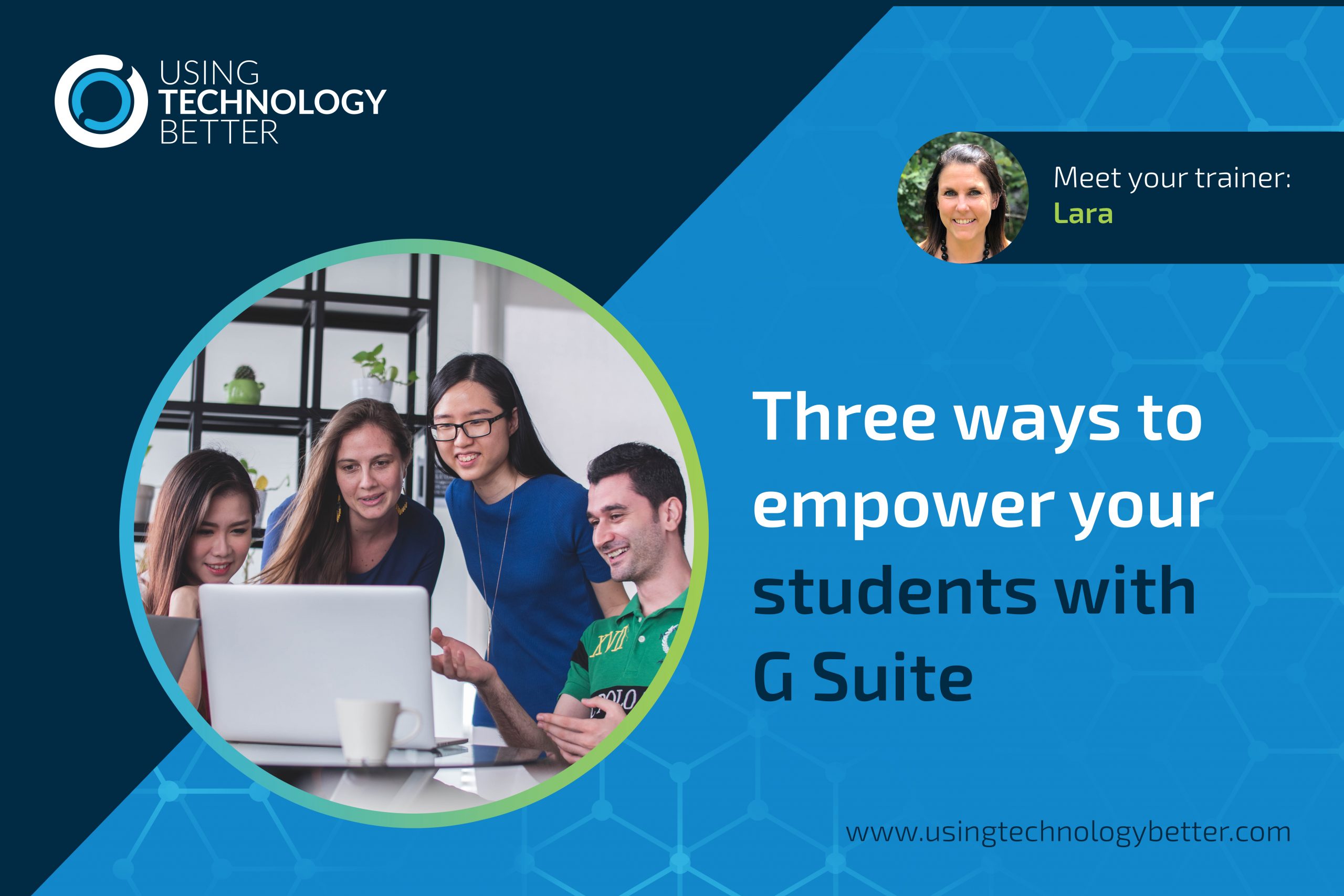
I always get so excited when I’m visiting schools and see teachers using technology in ways that EMPOWERS students and completely TRANSFORM learning! The tools they use to do this are varied but many of them are right there, within G Suite!
Here are three areas where you can use familiar tools in G Suite (and a few other free online tools) to empower the students in your classes!

How many slides have your students produced – whether it be in Google Slides or Microsoft’s PowerPoint – where there has been little, or no, thought given to the design of the slides? This blog will look at four sites designed to easily solve this problem for you.
Have your Minecraft Education Edition licenses but not sure where to begin? This blog gives you three ideas to get started in meaningful ways, leading you gently into the wonderful world of Minecraft so that you can transform learning for your students.
We hear from so many teachers that often they get out devices or STEAM equipment their students can’t handle it and lessons fall to pieces. Just like any classroom management system, explicit, clear routines are vital for ensuring you get the best out of tech in your classroom.

Gmail courses are always one of our most popular, which is not surprising given that so many people seem to be overwhelmed by their email. To help you use your email better in 2020, we have collated a list of the top 10 questions we were asked about Gmail in 2019, and given you the answers!
Where has screencasting grown from and why should you worry about whether your students know how to screencast their work? This blog takes a look at where this practice has sprung from and investigates the positive effects that it can have for both you and your students.
Spring is the perfect time to do an Inbox Spring clean! Imagine what it would be like to open your Outlook for Mac mail and see all your mail with minimal scrolling…that’s what an Inbox spring clean can help you do.

Jamboard is now a core G Suite app, yet it’s amazing how many people don’t realise it exists. Designed as a collaborative whiteboard tool, it has a number of really useful applications. If this is new to you, read on – this blog will give you all the information you need to get started with this great addition to your suite of tools.

It’s time for Gmail and let me tell you I’ve been doing this for a long time with Gmail and I’m going to put out a scenario to you all and I can’t see if you’re nodding but my guess is going to be, you will.