





Category: Education

Back to Basics

Copy, paste, undo, refresh, right click (secondary click), resizing an image, opening a new tab, drag and drop…….. basics right?!?!?! Just like riding a bike! Driving a car!

But, we all had to learn to ride that bike and drive that car. Who’s teaching you, your colleagues or your students these seemingly basic skills?

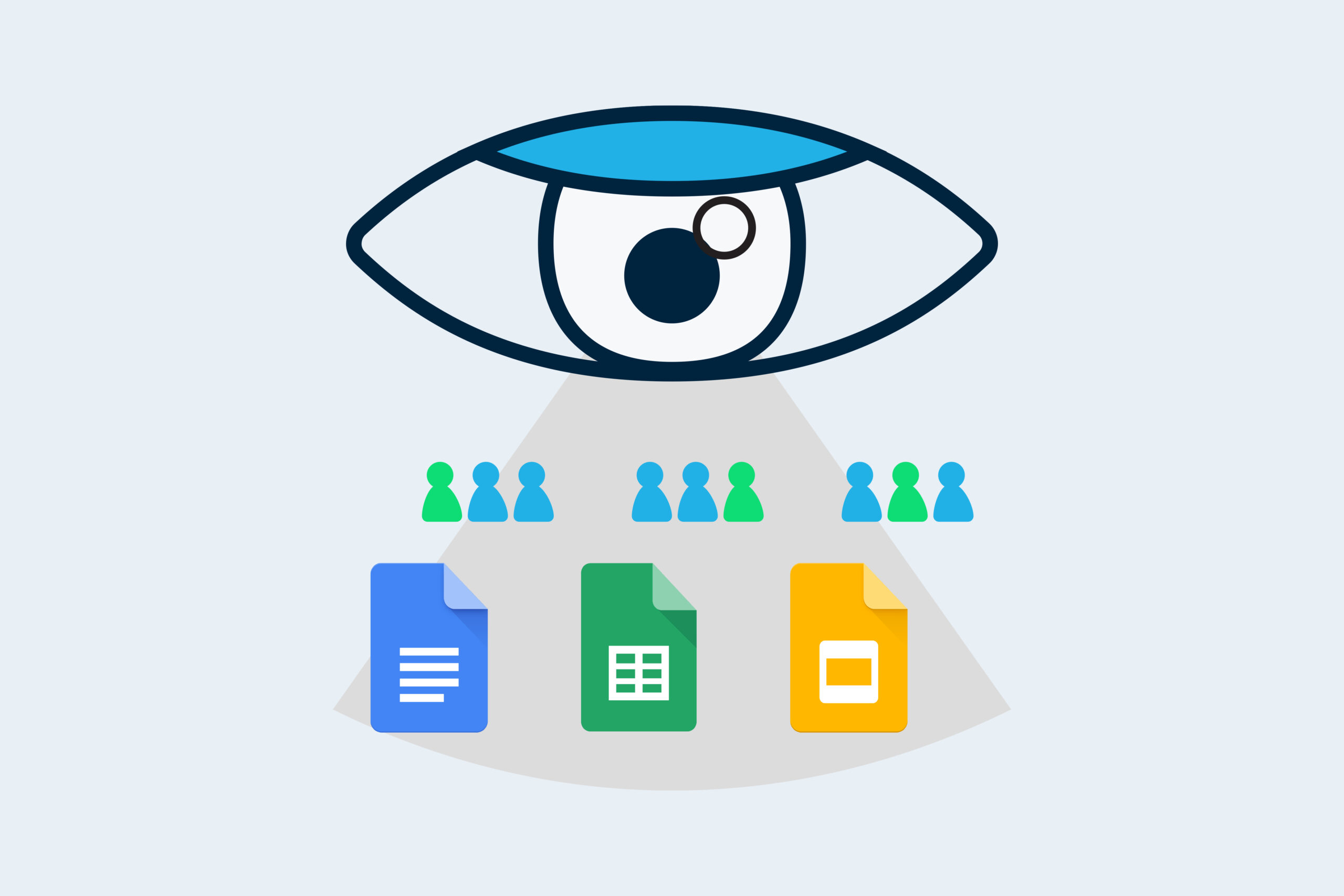
How to Share a Google Doc Four Different Ways

Google Docs is designed to be a collaborative tool and has made the lives of many teachers around the world much easier. It’s a tool that allows for multiple uses and has a huge variety of applications in the classrooms of today. But sometimes you want to share them without others being able to edit them. Here are four ways to do this.

Pause your Gmail inbox to boost your efficiency

Have you ever been focussed and working hard on an important task, opened your inbox to find a relevant email and then been distracted by an avalanche of new emails? Or perhaps you’ve been trying to clear your inbox of old emails, but keep finding your progress is hindered by new messages. Imagine if you could temporarily stop new emails from arriving in your inbox.

Researcher and Outline in Office 365

There are some useful functions native in Microsoft Office 365 that help you research and create great presentations that can make learning easier. In the classroom, helping students research and summarise is a skill we need to develop. These tools will help stem the cut and paste epidemic.

Customising Google Sheets cells to display text and numbers

The custom number format allows you to have text and numbers in the same cell in a Google Sheet. This adds visual clarity to your spreadsheet and helps the user enter data. Calculations are still possible as Google Sheets ignores the text you have entered and uses the numerical data in the cell.

How to use Spell Check in Google Docs, Slides and Sheets

With the development of digital technologies, the mistakes you make in your spelling are becoming easier and easier to fix. Did you realise Google not only has the little red line to help you fix these mistakes, it also has a spell checker built right into Docs, Slides and Sheets.

Two classroom activities for teaching students about password security

Creating and managing strong, secure passwords is an essential part of life in the 21st century. But how can we help our students to develop the skills to create and manage their own online accounts? In this blog post, I’ll share two sequential classroom activities that you can use to teach your students about password security.

Winning back time

Time has become a precious commodity and when I ask teachers about what they would like, they reply ‘more time’. The lack of time is a constant issue. The good news is, you can win back some time by putting into place these four practices.

Google Sheet tips

There are many uses for Google Sheets in the classroom. I like to be able to have my own class list where I can keep track of my students. I would use a sheet for attendance, recording homework, anecdotal notes and marks. Many LMS’s can do this, but I like the ability to customise what I see and enter, Google Sheets allow me to do this easily.

How to Search Effectively in Gmail

If there is one thing you can do to become more efficient in Gmail, it’s master Gmail search! Learning how to search effectively will allow you to narrow down your search results so that you can quickly pinpoint the exact email you are looking for. In this blog post, I’ll show what not to do when searching Gmail, and what to do instead.