





Category: Education

How to encourage student agency with hyperdocs.

We are often asked how teachers can encourage student agency using digital tools. Here’s an example of one way you can build a task that allows for student choice and differentiation within the activities provided.

How to Quickly Check Activity on a Google Doc, Sheet or Slide

Do you sometimes share a Google Doc, Sheet or Slide with someone only to wait for what then seems like forever for their contribution? Wouldn’t it be great if you could quickly check when they actually viewed it and then send them a prompt to action what you’re waiting for? Well, you can! Here’s how to do it.

How to set reminders in Google Calendar

The reminders feature in Google Calendar is a quick and easy way to make sure you don’t forget time sensitive tasks. You can set reminders from within Google Calendar in the web browser, or via the Google Calendar app for iOS or Android.

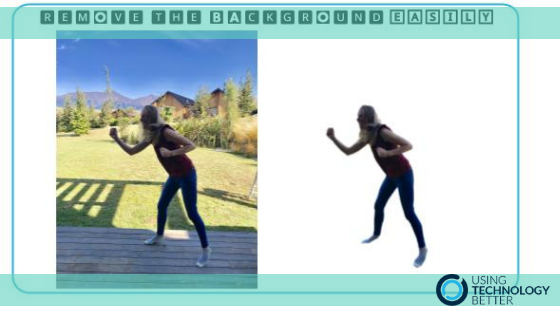
How to easily remove the background of a photo

A question we often get asked is how can the background of a photo be removed to create a png image.
Until recently the answer involved a few steps and sometimes quite a bit of fiddling around. Now – if you are connected to the internet – the answer has become a whole lot easier.

Watch the video below to see how simple the process can now be.

Getting started with Google Drive for desktop

Does you or your organisation store non-Google files in Google Drive? If so, you’ve probably found it frustrating to have to download and upload these files every time you want to open or edit them in their native applications. Drive File Stream can solve this frustration for good by giving you a seamless way to work with non-Google files.

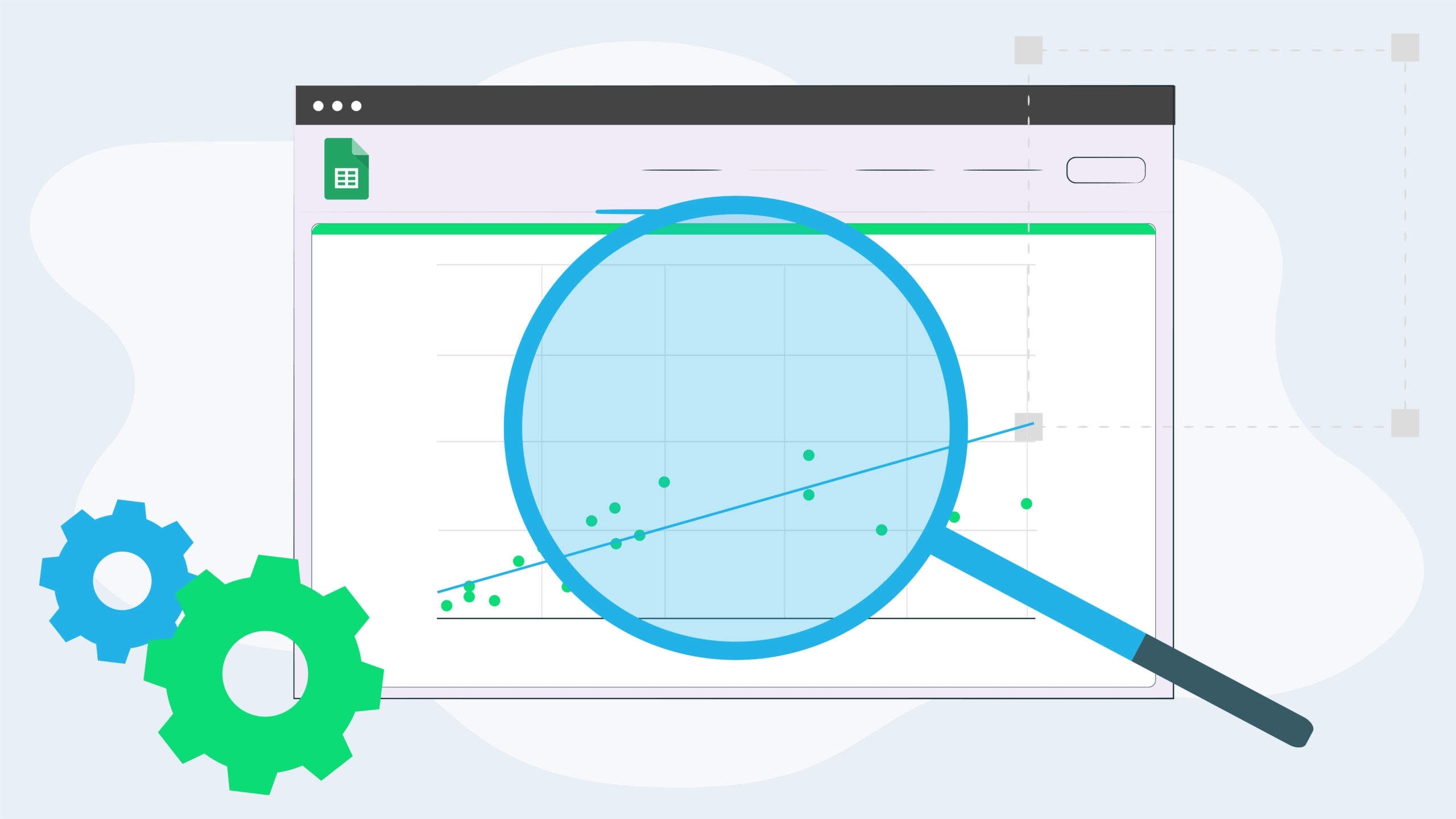
How to Create Line of Best Fit & Scatterplots in Google Sheets

Collecting data and finding the strength of the relationship between the variables, a method used in statistics. Making a scatterplot and finding the line of best fit or trendline in Excel was a piece of cake. I could never do it in Google Sheets until I found a solution! It is easy to build a meaningful scatterplot, put in a trendline and find the correlation coefficient within a couple of clicks.

Fast, easy formatting in Google Docs

Clear Formatting and Paint Format are often overlooked tools in Google Docs. Once you know how to use them they will save you time when copying and pasting, as well as applying formatting across a document.

How to watch a YouTube video effectively

How useful is YouTube when you are wanting to learn a new skill? You can find tutorials on almost anything! One thing students can often struggle with though, is flicking back and forward between tabs to try something out, then going back to view the next step. Well no more! Read on to find out about a super easy way to enable the Picture in Picture mode.

Improve your organisation and efficiency with Google Keep

Haven’t tried out Google Keep yet? Only using it for the basics? The capabilities of this awesome tool to improve organisation and efficiency make it a personal favourite of mine. Google Keep allows you to capture your thoughts in multiple ways, sort them, share them and search through them with ease.

When Good Tech Goes Bad

We’ve all had that moment. That moment when your tech lets you down. The computer freezes and won’t move on, the screen goes black…. if this happens when you are presenting in front of a group of people it can really send you into a spin. Here’s a few thoughts on this and a couple of tips too.

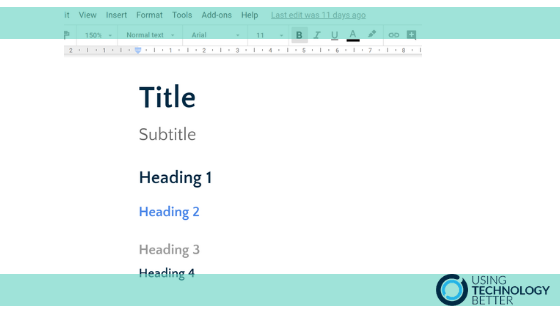
How to customise & use text styles in Google Docs

One of the easiest ways to be more efficient when using Google Docs is to configure and use text styles. Using styles ensures that your document is formatted consistently and makes it easy to use features like a table of contents and in-document hyperlinking. In this blog post, I’ll explain how to customise your text styles and how to use them in your document.