





Category: Education

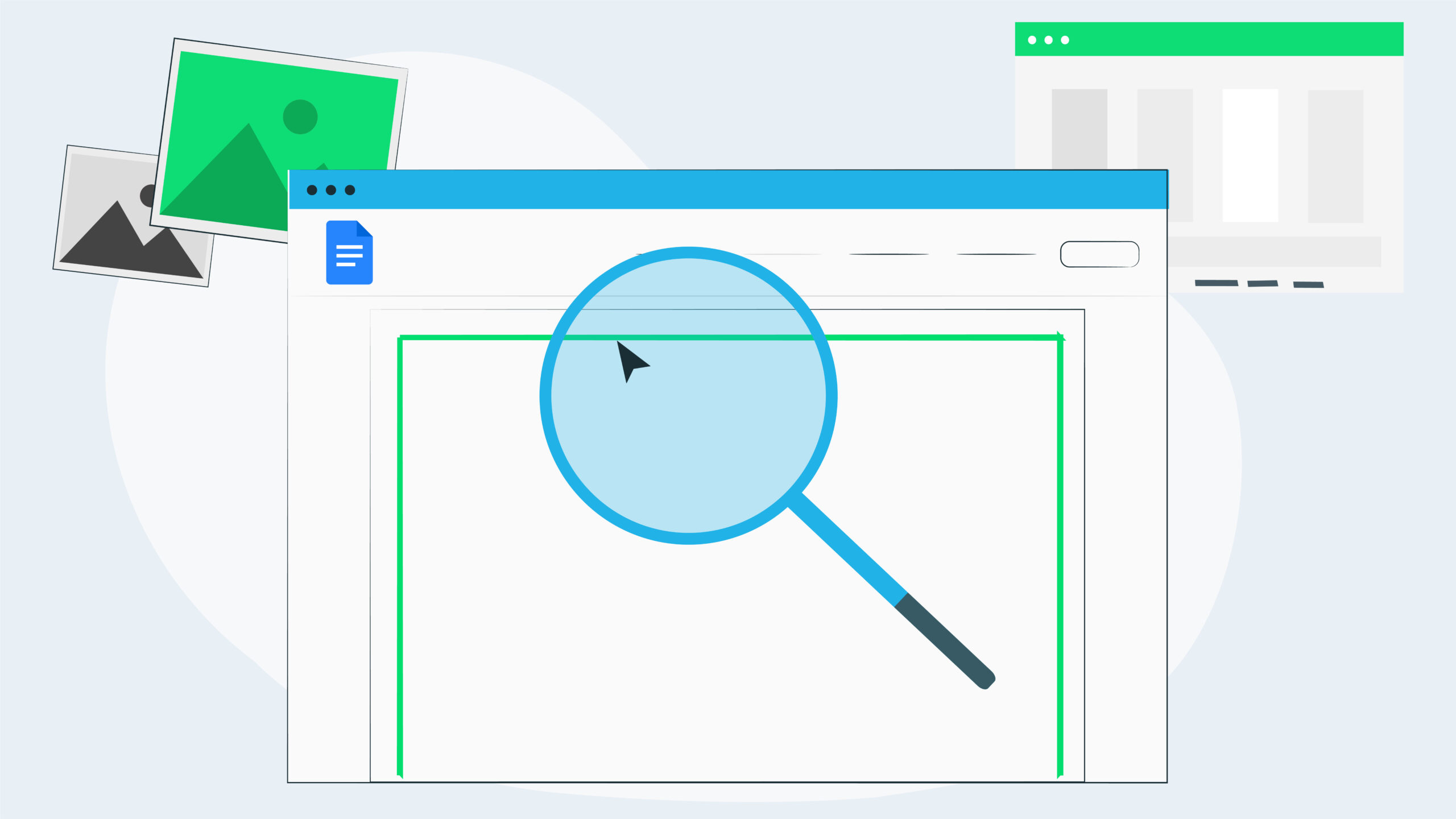
How to Create Page Borders in Google Docs

One of the most common frustrations with teachers who have made the move from Microsoft Word to Google Docs is they miss the ability to create borders on their Google Docs – like they could in Word.
And they are right. There is no page border tool in Google Docs. However there are a couple of workarounds that allow you to do it. This blog will show you how.


It’s about respect

I feel incredibly privileged to be able to do what I do – but sometimes, just sometimes – it frustrates the heck out of me! And everytime I get this feeling, when I stop and analyse it, I realise what’s frustrating me always comes back to one word, respect. Or more often – lack of!
Why is that? Read on to find out more.

Customise the Control Centre on your classroom iPads

There are a lot of great features within your iPad that are often unknown to teachers. These can be organised into your Control Centre for quick access. From locking your students into particular apps to recording the screen, even having text read aloud to you! Find out how you can take control and customise your Control Centre.

How to use the Google Slides Master feature purposefully

Google Slides is one of my favourite tools when it comes to creating purposeful and relevant tasks for students within G Suite for Education. There are just so many ways you can utilise this tool, and using the master slides feature is one of the lesser known gems. This blog explores a way to encourage more student agency with this option.

Are you seizing the moment?

I began to write this blog on a flight to Sydney. Once the meal service began there was no room for both the food and the iPad. As the iPad took a break, I began to watch ‘Rocketman’ and was struck by a line in the movie; ‘You only get so many chances in life and this is one of yours – so take it and make the most of it.’ How often do we do this in our classrooms?

Using a flag & categories to better manage your emails in Outlook on the web

In the 10+ years that I have been training people in email tools, I’ve discovered that many people use a ‘mark it unread again’ system to ‘manage’ their email. Is it any wonder their brains feel overloaded and their inboxes are out of control?! In Outlook on the web, using a flag or categories is a much better way to tag messages that require follow up or action.

Four ways to move beyond substitution with the SAMR model

Classrooms all over the world are now filled with all sorts of amazing technology, but the big question is,’How well is this technology being used?’
Using it for substitution is a great place to begin if you’re new to it, but it should never be a place to stay. This blog looks at four ways to use digital devices beyond the substitution level.

Workbench and Google Sheets part 5

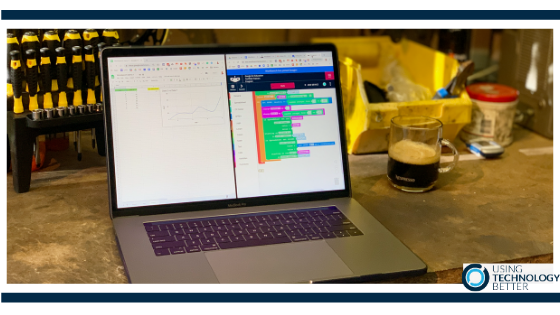
This is the final blog in the series of five in using Workbench. Workbench provides the backbone to be able to combine a variety of applications and devices together and develop some coding to gather data and control external devices. In this blog which is linked to a how-to video, you will learn how to create a chart that can show real-time data using the programming canvass that incorporating conditional loops and multiple variables.

Workbench and Google Sheets part 4

This is the fourth blog in the series of five in using Workbench. Workbench provides the backbone to be able to combine a variety of applications and devices together and develop some coding to gather data and control external devices. In this blog which is linked to a how-to video you will learn how to incorporate conditional loops to read and write multiple sets of data to a spreadsheet using the programming canvass.

Workbench and Google Sheets part 3

This is the third blog in the series of using Workbench. In this third blog of a series of five, all linked to how-to videos, you will learn how to use read and write data from a spreadsheet using the programming canvass. When we write data via code we are also able to collect data from external devices like a micro:bit.

Workbench and Google Sheets part 2

The coding space in Workbench has a Blockly workspace that resembles Scratch, so it is readily familiar with students and teachers and it works super well on Chromebooks as well as other laptops. This blog is the second in a series of five and you will learn how you can add devices that can interact with the code.